Scan in a moment
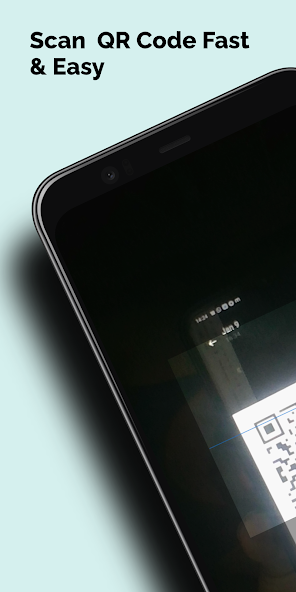
Use your camera to read QR codes and access the information they contain.

Scan a QR code or create one to share. A practical Android tool for turning links and information into something you can pass along in a tap.
Designed & developed by Poovarasan Vasudevan
Explore what you can do with QR Scanner.
Use your camera to read QR codes and access the information they contain.
Build QR codes in different colors and formats for the information you want to share.
Send your generated QR codes through the apps and platforms you already use.
Screenshots from Google Play. Select any screenshot to enlarge.
Scanning and creation can work offline. Opening web links or other online destinations requires internet access.
Open the scanner and point the camera at a QR code.
Review the result before opening the destination.
Use the creator to make and share a QR code of your own.
Jetpack Compose · Vision library · QR generation
Discover QR Scanner on Google Play.