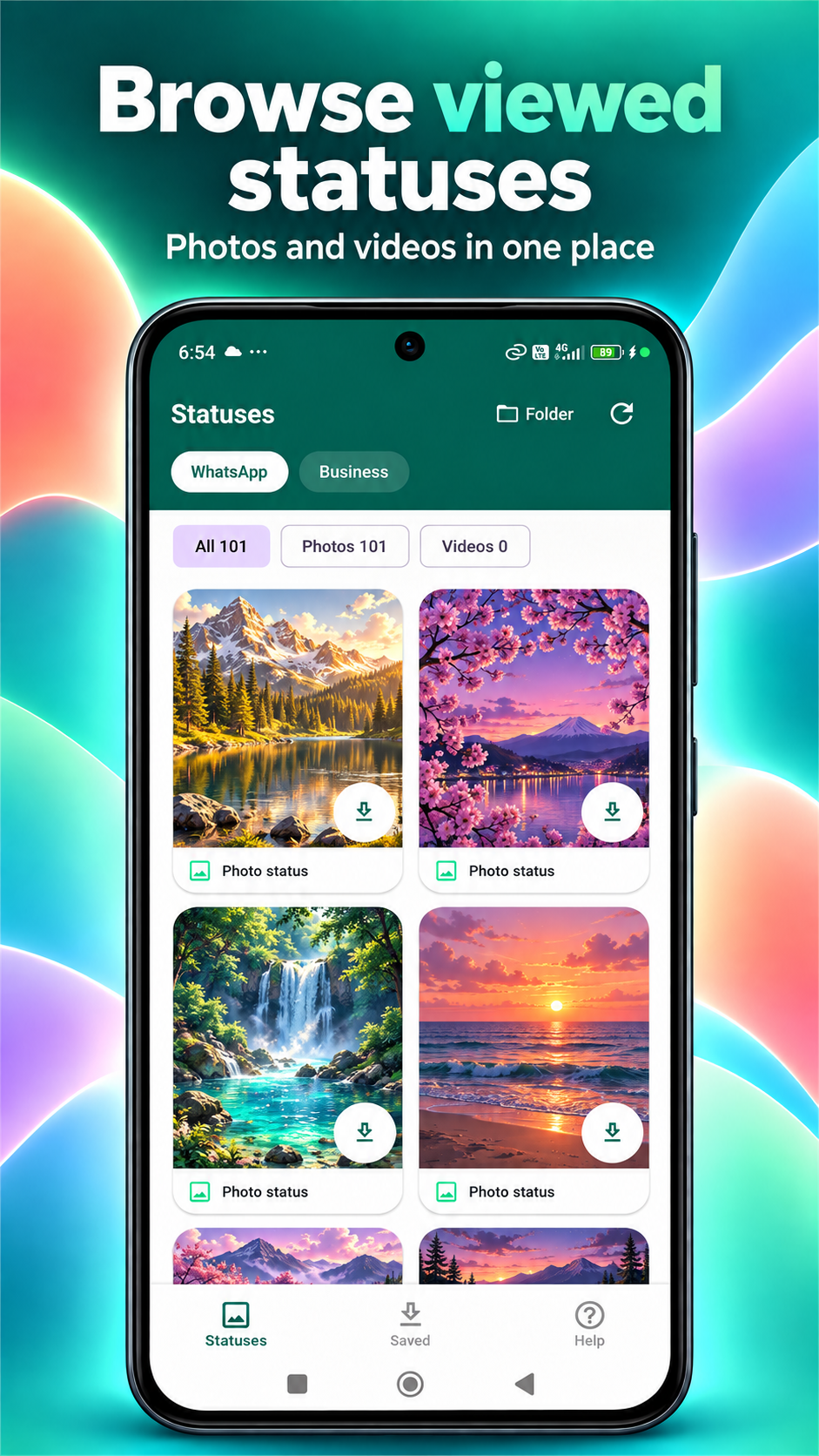
Browse viewed statuses
Switch between WhatsApp and WhatsApp Business, then filter by photos, videos, or all statuses.

Browse photos and videos you have viewed in WhatsApp or WhatsApp Business. Preview a status, save it to your gallery, or share it from one place.
Designed & developed by Poovarasan Vasudevan

Explore what you can do with Status Keeper: Status Saver.
Switch between WhatsApp and WhatsApp Business, then filter by photos, videos, or all statuses.
Preview a status before saving a copy to your gallery or sharing it through Android’s share menu.
Find saved copies in the Saved tab, with a step-by-step guide available in Help.
Screenshots from Google Play. Select any screenshot to enlarge.
Only viewed statuses still available on your device can appear. Folder access varies by Android version and device. Status Keeper is independent and is not affiliated with WhatsApp or Meta.
View a photo or video status in WhatsApp or WhatsApp Business.
Open Status Keeper. If needed, use Connect to select the status folder with Android’s file picker.
Tap Refresh, select a status, and tap Save.
Photo & video filters · Gallery saving · Android sharing
Discover Status Keeper: Status Saver on Google Play.