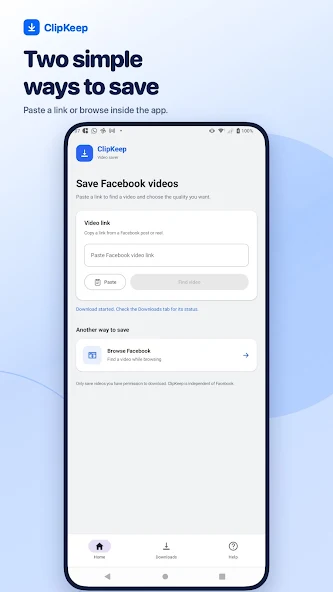
Browse or paste a link
Download the specific video you want directly from a feed or by pasting a shared post or Reel link.

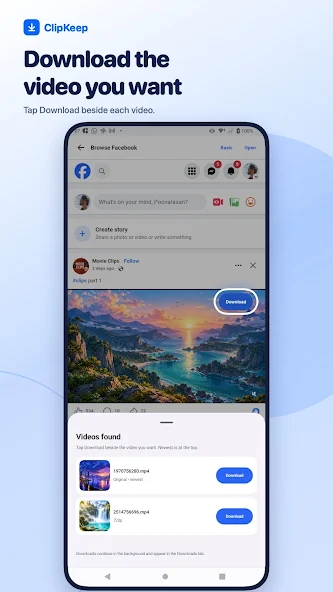
Save videos from Facebook with ClipKeep. Browse a feed inside the app and tap Download next to a video, or paste a post or Reel link shared from another app.
Designed & developed by Poovarasan Vasudevan
Explore what you can do with ClipKeep - FB Video Download.
Download the specific video you want directly from a feed or by pasting a shared post or Reel link.
When a downloadable MP4 is available, preview it first and choose your preferred video quality.
See live progress, file size, and status in Downloads while Android continues active downloads in the background.
Screenshots from Google Play. Select any screenshot to enlarge.
Only save videos you have permission to download. ClipKeep is an independent app and is not affiliated with Facebook or Meta.
Browse a video in the built-in feed or paste a shared Facebook post/Reel link.
Preview the available MP4 and select your preferred quality.
Tap Download and access saved files in your device’s Downloads folder.
Android Download Service · Media Preview · Share-sheet Integration
Discover ClipKeep - FB Video Download on Google Play.