Start with a link
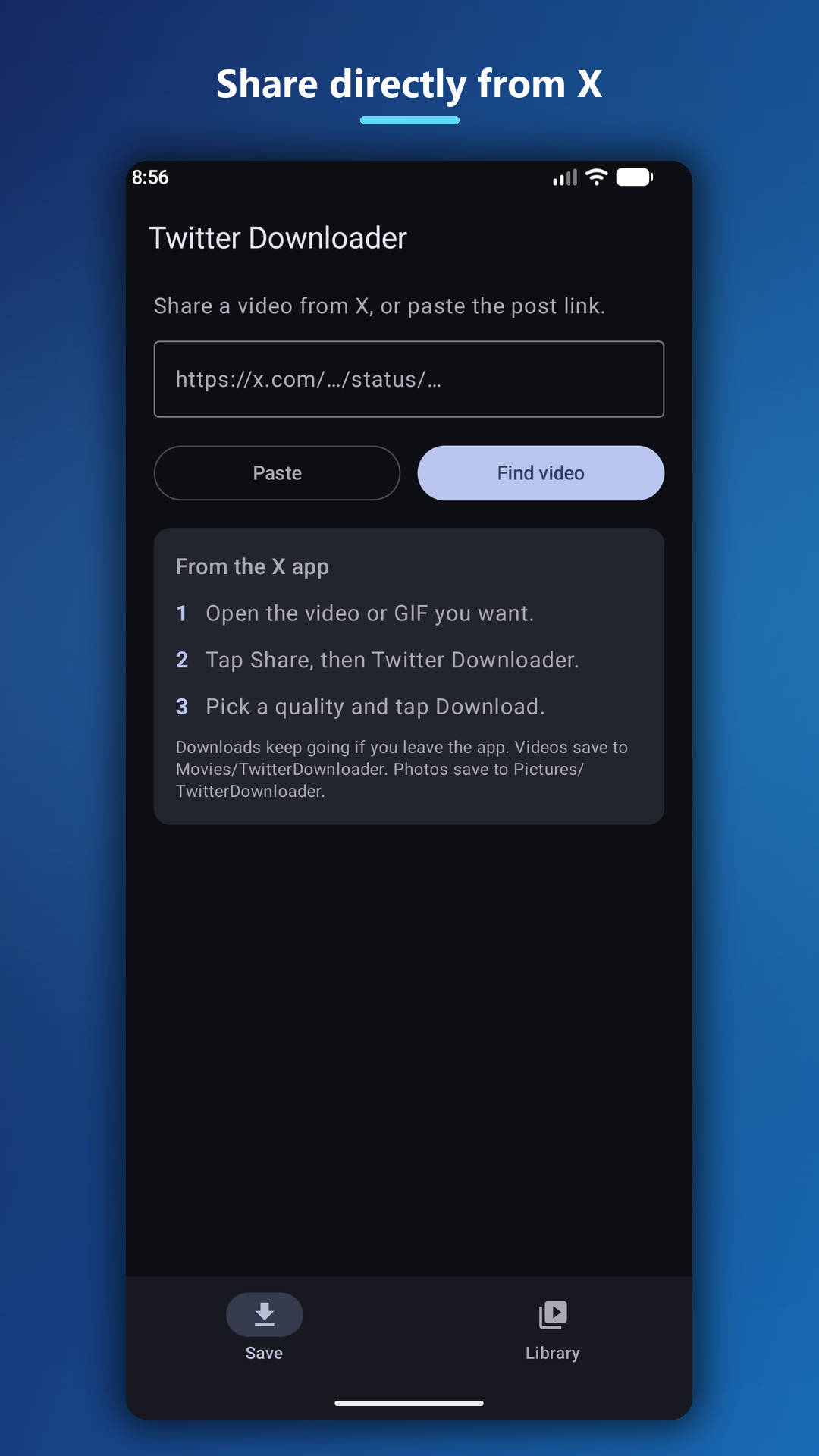
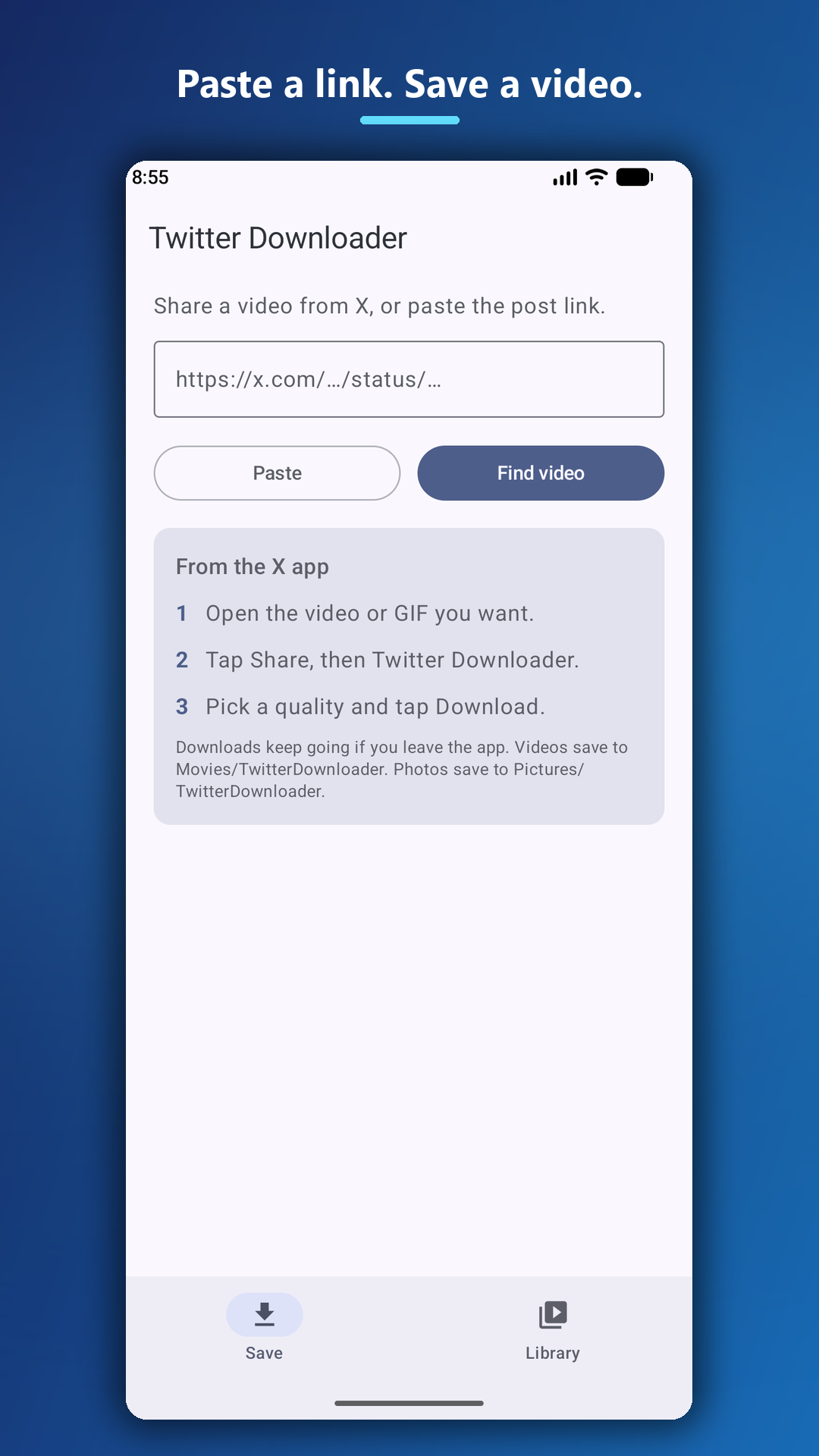
Share a post from X or paste its link to find available videos and GIFs.

Save videos and GIFs from X posts by sharing a post or pasting its link. Choose an available quality and find your downloads in the Library.
Designed & developed by Poovarasan Vasudevan
Explore what you can do with Twitter Video Downloader.
Share a post from X or paste its link to find available videos and GIFs.
Pick an available video quality. Downloads can continue while you use other apps.
Browse the Library or access downloaded videos in your device’s Movies/TwitterDownloader folder.
Screenshots from Google Play. Select any screenshot to enlarge.
Only download media you have the right to save and use. This is an independent app and is not affiliated with X.
Open an X post containing a video or GIF.
Share it to Twitter Downloader, or copy and paste the post link.
Choose an available quality and tap Download.
Share-menu integration · Background downloads · Light & dark themes
Discover Twitter Video Downloader on Google Play.